How to reduce background noise in a podcast
Every podcast has background noise. Every single one. The question is whether your listener notices it or not.
If you're recording in a home office, a bedroom, or a coffee shop, you're picking up things your ears have learned to tune out: the hum of your fridge, the rumble of traffic outside, the whir of your laptop fan. Your brain filters these out in real time, but a microphone doesn't.
The good news: most background noise is fixable. Some of it you can prevent before you hit record. The rest you can clean up after. Here's how to do both.
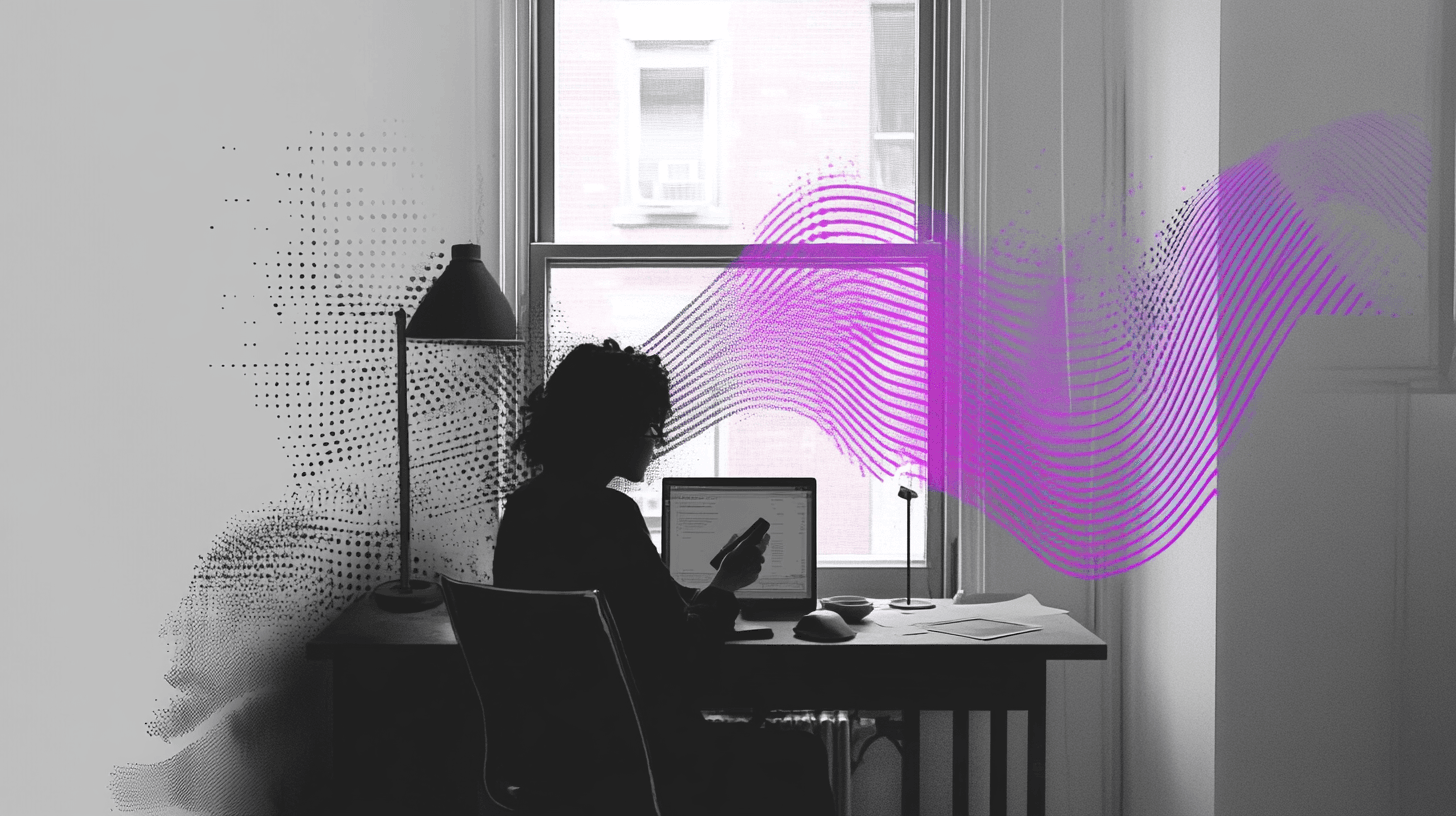
Start with the room, not the software
The best noise reduction happens before you ever open an editor. The cleaner your raw audio, the better everything sounds downstream.
That said — and I want to be upfront about this — AI enhancement tools have gotten good enough that most of the issues below will be cleaned up automatically. Henshu's pipeline removes fan hum, traffic rumble, and room reflections without you doing anything. So if you're reading this list and thinking "I can't do half of these," don't let that stop you from recording. The AI will handle it.
But if you can improve your recording environment, it doesn't hurt. You're giving the AI less work to do.
A few things that make an immediate difference:
- Close the windows. Obvious, but people forget. Street noise is the number one culprit in home recordings.
- Turn off what you can. Air conditioning, fans, washing machines, dishwashers. If it hums or vibrates, your mic will pick it up. Record in batches if you need AC back on between takes.
- Move away from your computer. Laptop fans are surprisingly loud on a sensitive mic. If you can, record on your phone or use a longer USB cable to get some distance.
- Add soft surfaces. Hard walls and bare floors bounce sound around. A closet full of clothes is a surprisingly decent recording booth. Blankets, pillows, and bookshelves all absorb reflections.
You don't need acoustic foam or a professional studio. A quiet room with some soft furniture gets you 80% of the way there. And if your room isn't quiet? Record anyway. The gap between "untreated room" and "good enough to publish" is smaller than it used to be.
Mic technique matters more than mic price
People spend hours researching microphones and almost no time learning how to use the one they have. Technique matters more than gear for noise.
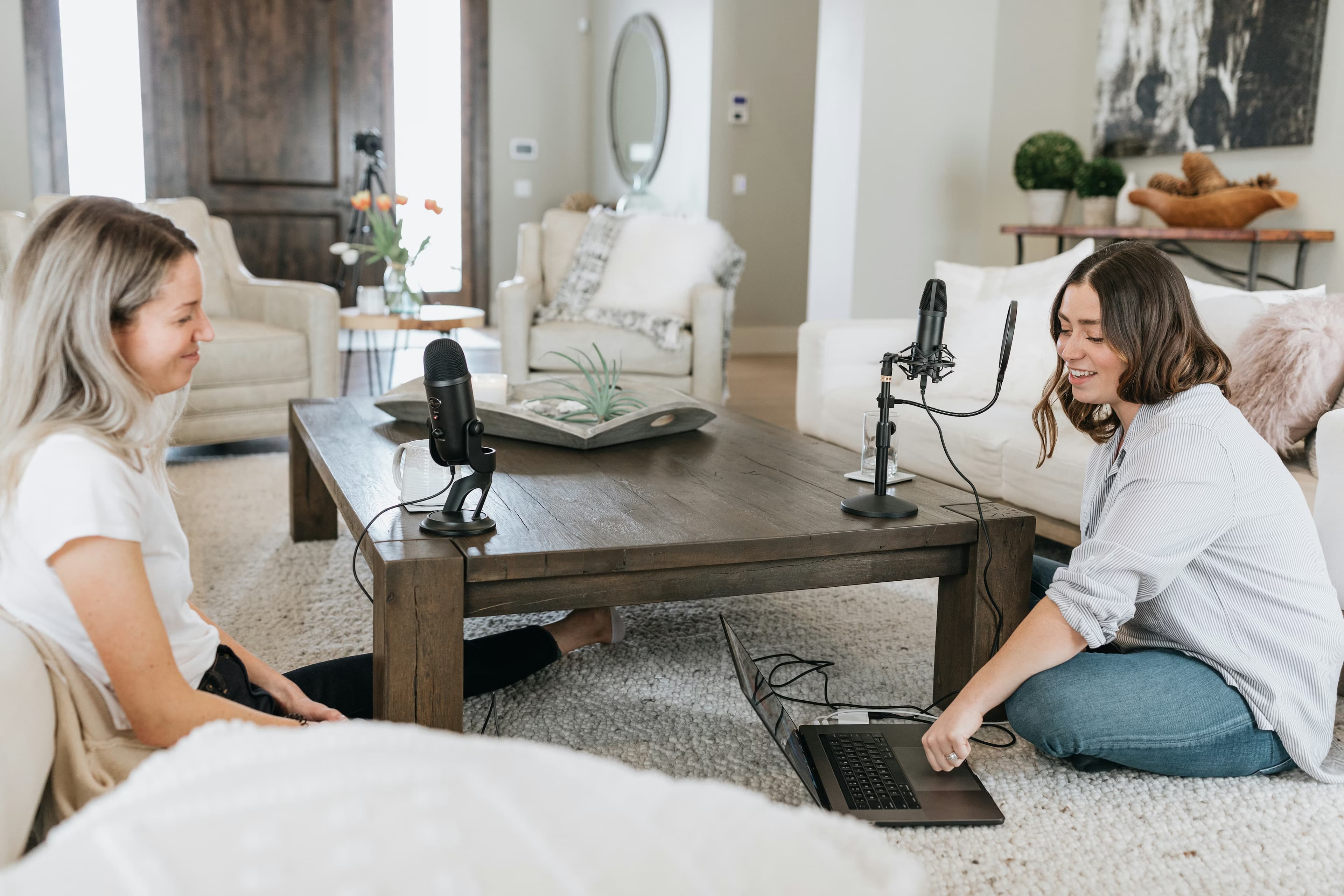
The two biggest wins:
- Get close to the mic. 4 to 6 inches is the sweet spot for most USB mics. The closer you are, the louder your voice is relative to the room noise. This is called improving your signal-to-noise ratio, and it's the single most effective thing you can do.
- Use a cardioid mic if you have one. Most USB podcast mics (Blue Yeti, Audio-Technica AT2020, Samson Q2U) have a cardioid pickup pattern, which means they capture what's in front of them and reject what's behind. Point the back of the mic toward the noise source.
Fixing noise after recording
So you recorded, and there's noise. Maybe you didn't notice the fridge until playback. Maybe a siren went by. Maybe the room just has a persistent low hum you couldn't eliminate.
Here are the main approaches, from simplest to most involved:
AI noise reduction
This is the fastest option and, honestly, the one most podcasters should start with.
Modern AI noise reduction tools analyze your audio, build a model of what's noise vs. what's voice, and separate them. The results have gotten surprisingly good in the last couple of years. Steady background sounds (hums, fans, hiss) are removed almost entirely. Inconsistent noises (a dog barking, a door closing) are trickier but often manageable.
Tools like Henshu apply noise reduction as part of a larger cleanup pipeline: noise removal, level balancing, and mastering happen together in one step. You upload your recording and get back a cleaned version. No sliders, no manual tweaking.
Other AI-based options include Descript's Studio Sound (included in their paid plans, limited by AI credits), Adobe Podcast (free browser tool, limited to shorter clips), and Riverside's Magic Audio (bundled with their recording platform).
Noise gates
A noise gate is the simplest manual approach. It works by muting audio below a certain volume threshold. When you're not speaking, the gate closes and silences the background. When your voice comes in above the threshold, the gate opens.
Noise gates don't actually remove noise from your voice. They just silence the gaps between words. If you have a steady hum, it'll still be there while you're talking, and the sudden silence between phrases can sound unnatural. Gates work best for quiet rooms with occasional low-level noise, not for loud or persistent backgrounds.
Spectral editing
This is the surgical approach. Spectral editors (like iZotope RX or Audacity's spectrogram view) show your audio as a visual frequency map. You can literally see the noise and paint over it to remove it.
It works well for one-off problems: a cough, a siren, a phone buzz. It's not practical for steady background noise across a 30-minute episode, because you'd be painting for hours. iZotope RX starts at $99 and has a learning curve. For most podcasters, this is overkill.
EQ and high-pass filters
A lot of background noise lives in the low frequencies: the rumble of traffic, the hum of electrical equipment, the vibration of a desk. A high-pass filter cuts everything below a certain frequency (usually around 80-100 Hz for voice), which removes that low-end rumble without affecting how your voice sounds.
What "good enough" actually sounds like
Here's something that took me a while to accept: your podcast does not need to sound like an NPR production.

Listeners are far more forgiving of audio quality than podcasters think. In Sounds Profitable's 2024 Podcast Landscape survey, only 4% of listeners cited audio quality issues as a reason they stopped listening to a show. Compare that to "lost interest in the show" (25%) or "repetitive or stale content" (15%).
That doesn't mean audio quality is irrelevant. A subtle room tone or a slight hum? Most listeners won't notice, especially through earbuds on a bus. But clipping, harsh sibilance, or volume that jumps around between speakers — those are distracting enough to make someone skip to the next show. They might not even realize audio was the reason.
The bar isn't high, but it exists: clear voice, no distracting noise, consistent volume. That's it. And that's exactly the kind of thing AI enhancement handles for you. Run your recording through a tool like Henshu and you've cleared it — which means your energy goes into the content that actually keeps people subscribed.
A realistic workflow
If you want a simple, repeatable process for dealing with noise, here's what I'd suggest:
- Before recording: close windows, turn off what you can, get close to the mic.
- Record a 10-second silence sample at the start of each session. Some noise reduction tools use this to model the room's noise profile.
- After recording: run your audio through an AI cleanup tool. For most people, this handles everything.
- Listen back. If there's a specific problem spot (a siren, a loud cough), edit it out manually or mute that section.
- Export and move on. Don't spend two hours chasing perfection on a noise that 95% of your audience won't hear.
The goal is a recording that sounds clean and consistent, not one that sounds like it was recorded in an anechoic chamber. Nobody listens in an anechoic chamber either.
When noise is actually unfixable
Some things are beyond repair, and it's worth being honest about that. If your audio clips (the levels hit the maximum and distort), no tool can fix that. Clipping destroys the waveform. You need to re-record.
For everything else, though, the tools available today are genuinely impressive. A recording that would have needed a professional audio engineer five years ago can often be cleaned up in a few minutes by AI, no expertise required.
If you want to hear what AI noise reduction actually sounds like on a real recording, try Henshu for free. Upload your noisiest clip and see what comes back. No credit card, no setup.
Hear the difference yourself
Upload your audio and let Henshu handle noise, levels, and mastering. Free to start, no credit card required.
Try Henshu free