How to make a voice memo sound like a podcast
A surprising number of podcast episodes start as voice memos. Someone records a thought on their phone while walking the dog, captures a conversation at a coffee shop, or sits in their parked car after work and just talks for twenty minutes.
The recording exists. The content is there. But it sounds like what it is: a phone recording. Tinny, uneven, with ambient noise and no particular structure. The gap between that and something you'd actually put on Spotify feels enormous.
It's not as wide as you think.

What makes a voice memo sound like a voice memo
When you listen to your phone recording and think "this doesn't sound like a podcast," you're reacting to a few specific things, not one big unsolvable problem. Each one is fixable on its own:
- Background noise. Phone mics are omnidirectional. They pick up everything around you with roughly equal sensitivity. Whatever was happening in the room, it's in the recording.
- Uneven volume. You moved the phone closer and farther from your mouth. You got louder when you were excited, quieter when you trailed off. The levels jump around.
- Thin, boxy tone. Phone microphones compress audio aggressively and capture a narrower frequency range than a dedicated mic. The result sounds flat and slightly hollow.
- No mastering. Professional podcasts are mastered to a consistent loudness level (usually -16 LUFS for stereo, -19 for mono). Your voice memo has whatever levels the phone decided on. It'll sound quiet on some apps and too loud on others.
- No structure. You probably rambled, backtracked, paused, and said "um" a lot. That's fine, that's how people talk. But published episodes usually tighten things up.
None of these are deal-breakers. They're just problems that each have a solution.
Phone microphones have gotten much better
Before we get into the fix, some context: the gap between a phone mic and a "real" mic has been shrinking fast.
iPhones since the 13 series use multiple MEMS microphones with built-in beamforming, which means the phone is already doing some noise isolation at the hardware level. Recent Android flagships are similar. In a reasonably quiet room, a phone recording from 2025 is closer to a USB condenser mic from 2015 than most people realize.
Step by step: voice memo to podcast
1. Get the file off your phone
Whatever format your phone saved the recording in is fine — iPhone Voice Memos saves as M4A (AAC), and that's perfectly usable. Just get it to your computer without adding another layer of compression. AirDrop, email, or cloud storage all work. The file is probably smaller than you think: a 20-minute voice memo is around 15-20 MB.
2. Clean up the noise
If your recording has background noise, this is the step that deals with it. AI noise reduction tools can take a voice memo recorded next to a busy road and make it sound like a quiet room. Not always perfectly, but often well enough.
The phone-specific noises that AI handles well: air conditioning hum, street traffic, wind on the mic, cafe chatter (at moderate levels), and that low-frequency rumble phones pick up from handling.
What it handles less well: other people talking at the same volume as you, music playing in the background, and clipping (if you were too close to the mic and the audio distorted).
Tools like Henshu do this automatically: you upload the file and the AI processes noise reduction, level balancing, and mastering in one pass. If you prefer manual control, iZotope RX or even Audacity's noise reduction effect can work, though they need more fiddling.

3. Level and EQ the voice
This is where most of the "sounds like a real podcast" transformation happens. Even recordings from professional-grade microphones need this step — raw audio always sounds flat and uneven compared to what you hear in published shows. This is the work that pro audio engineers spend most of their time on.
Compression tames the dynamics at a word-by-word level: the syllable where you leaned in too close, the trailing end of a sentence where your energy dropped off. It makes every word land at a consistent, clear volume. Without it, listeners are constantly adjusting their earbuds.
EQ shapes the tone. A phone recording will sound thinner and more nasal than a studio mic, but even a studio mic benefits from EQ. It's the difference between a voice that sounds technically correct and one that sounds warm, present, and easy to listen to for 30 minutes.
4. Edit the content
This is the part that takes the most time but makes the most difference to the listening experience. A voice memo is a raw thought dump. A podcast episode is a shaped conversation.
You don't need to script it after the fact. But a few passes can tighten things up:
- Cut the first 30 seconds. People almost always ramble at the start before finding their point.
- Remove long pauses, false starts, and repeated sentences where you said the same thing twice looking for better phrasing.
- If you went on a tangent that doesn't serve the episode, cut it. You can always use it in a future episode.
- Keep some "ums" and natural pauses. Removing all of them makes you sound robotic. Your listeners know you're human.
Text-based editing makes this faster if you have a transcript: you read the words, select what to cut, and the audio follows. Henshu does this, and so does Descript.
5. Master to broadcast level
Mastering is the final step: getting your audio to a consistent loudness that sounds right on every podcast app. The standard is -16 LUFS for stereo content (Apple Podcasts, Spotify, and most distributors expect this range).
If your audio is too quiet, listeners have to crank the volume and your show sounds thin next to others in their queue. Too loud, and it distorts or triggers the app's built-in limiter.
-16 LUFS is the target. Some tools master to this automatically (Henshu does). In Audacity or GarageBand, you can use the loudness normalization feature and set it manually.
6. Add intro/outro and music (optional)
A short intro (5-15 seconds of music or a spoken bumper) signals to the listener that this is a produced show, not a random recording. It resets expectations. Even a simple fade-in of background music under your opening line changes the feel completely.
This step is optional for your first few episodes. Some successful podcasts run with no intro at all. But if you want that polished feel, even free music from YouTube Audio Library or a purpose-built BGM library (like the one in Henshu) works.
What you can skip
A quick list of things you might think you need but don't, at least not for your first several episodes:
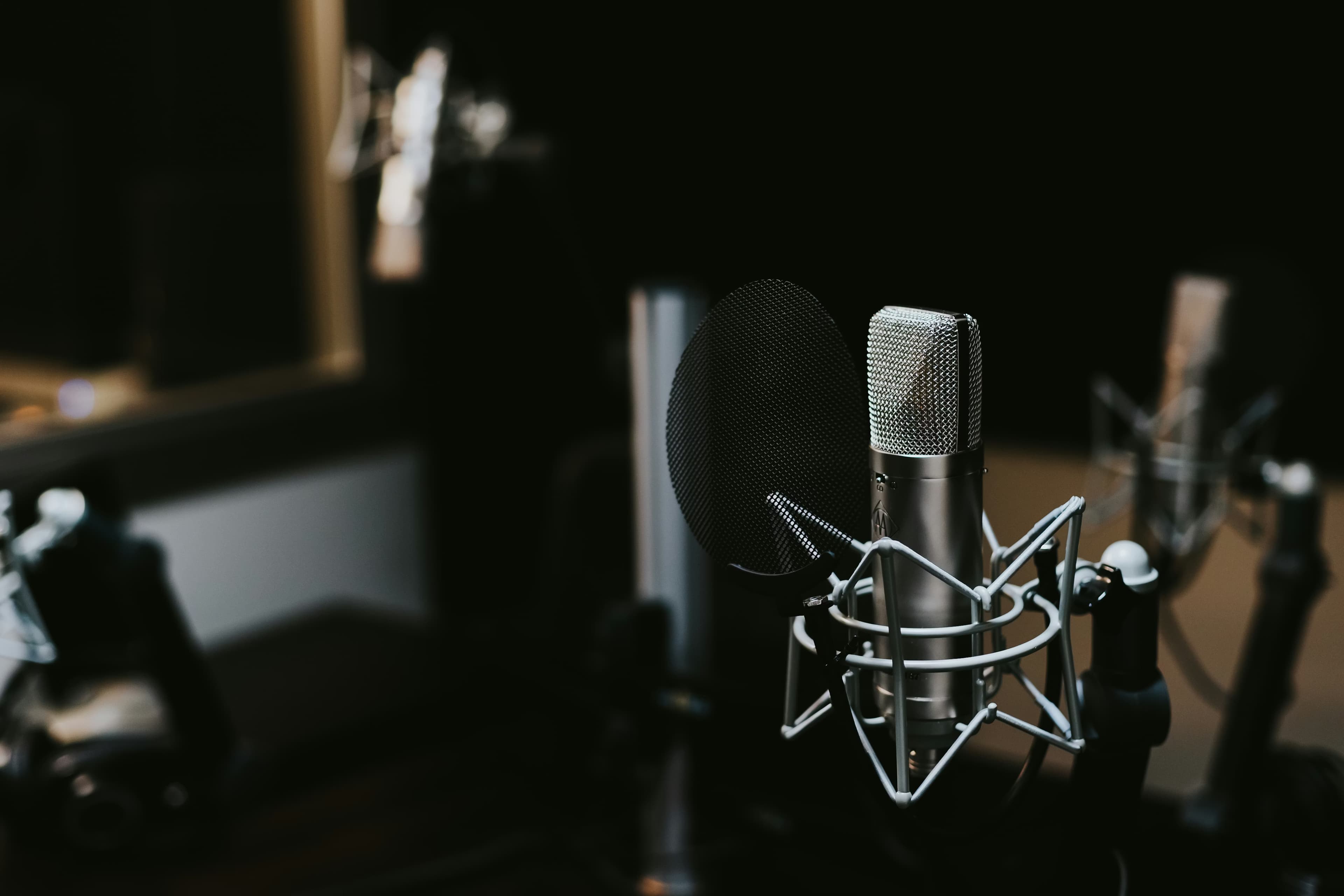
- A dedicated microphone. Upgrade when you've published 5+ episodes and know you're sticking with it. A $60 USB mic (Samson Q2U, Fifine K669) will be a noticeable step up from a phone, but the phone is fine to start.
- Acoustic treatment. A closet with clothes in it or a room with a bookshelf and a rug absorbs enough reflections. You don't need foam panels.
- A DAW. GarageBand, Audacity, and AI-powered editors like Henshu are more than enough. Pro Tools and Logic are for music producers and broadcast engineers, not for someone publishing a weekly podcast.
- A perfectly quiet environment. Record in the quietest room you have and let noise reduction handle the rest. Waiting for perfect conditions is how podcasts never get published.
The real gap is not audio quality
Here's what I keep coming back to: the difference between a voice memo and a published podcast episode is mostly not about the audio.
The audio part is solvable. Upload it to an AI tool. Clean. Level. Master. Done. Fifteen minutes, maybe less.
The actual gap is the decision to publish. To say "this is good enough" and put it out there. That's harder than any audio processing step, and no tool can do it for you. But if you already have a voice memo sitting on your phone with something worth saying in it, the technical path from there to a podcast episode is shorter than it's ever been.
Got a voice memo you've been sitting on? Try uploading it to Henshu and see how it sounds after AI cleanup and mastering. Free plan, no credit card.
Hear the difference yourself
Upload your audio and let Henshu handle noise, levels, and mastering. Free to start, no credit card required.
Try Henshu free